On the App Store · iPhone
The invisible work, written down.
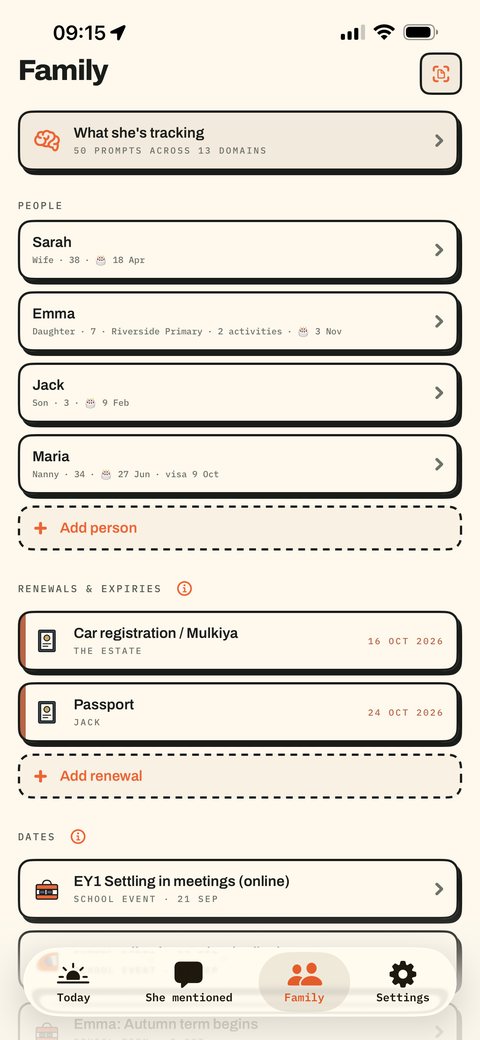
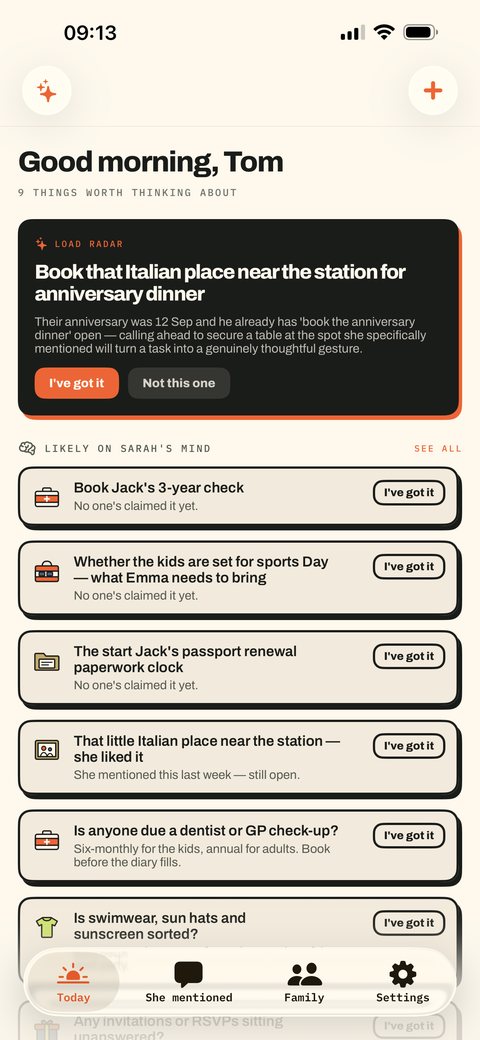
You do not know what is on her mind. That is the problem this solves. Add your family once; the app works out what is coming — school dates, renewals, outgrown shoes — and hands it to you early enough to act.
What it actually does
Seven things you stop having to hold.
Birthdays arrive in three parts
The gift at ten days, the plan at seven, the card at two. Each one reaches you while there is still time to do something about it.
Forward the school email
Send the newsletter, the clinic confirmation, the club sign-up to your private address. Review the dates before keeping them. Our privacy policy explains online processing and the server retention details still being verified.
Thirteen areas, fifty things
Shoe sizes, because feet outgrow shoes before anyone mentions it. What is running low. Whether anyone opened the school app this week.
Your tasks, your reference
Your Mental Load tasks and notes are not automatically shared with a partner. Optional connections and online features use the information described in our privacy policy.
Photograph the letter
Term dates, sports day, the form due Friday — pulled out, checked against what you already track, staged with lead time.
A radar every Sunday
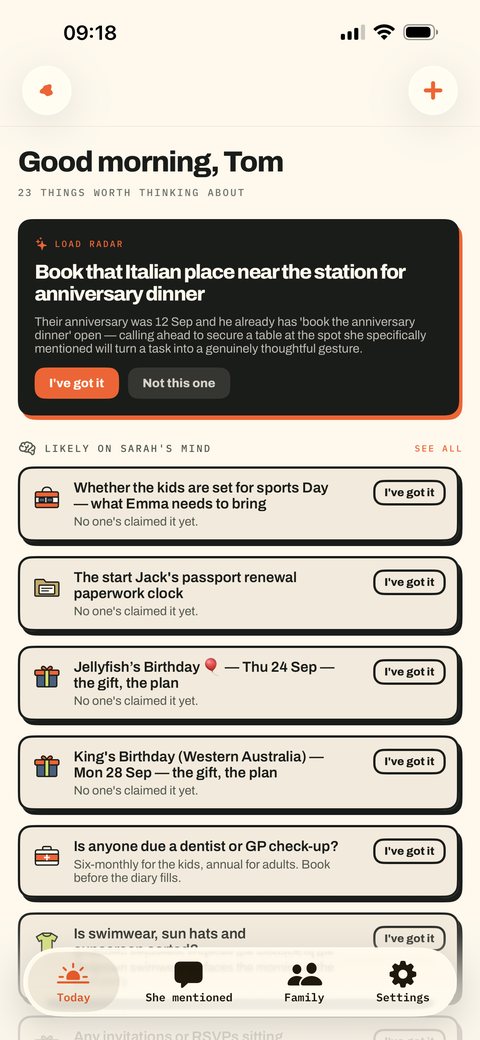
What is coming, what is heavy, and what nobody has claimed yet. One screen, then it leaves you alone.
Kept until it matters
The things she mentioned in the car. They sit quietly and surface on the day they are worth acting on.

Optional connection with Pack Money
Bring the money side into view.
Coming to The Mental Load
Bills, birthdays and the weekly shop are all part of running a household. Connect Pack Money to see this month’s bill reminders beside your tasks, with spending, tracked savings and chosen limits in Family. Choose what to share and keep the detail close when you need it.
- This month, without the clutter
- See the bills coming up this calendar month alongside the rest of your household jobs.
- A useful view in Family
- See recorded spending, tracked savings and the category limits you choose to share. Figures reflect your Pack Money records, not a live bank balance.
- Start your way
- Add entries manually, or set up bank SMS forwarding where available. Telegram is optional. You do not need bank notification texts to use Pack Money.
Already use Pack Money? When the app update is available, create a connection in Pack Money, then open Settings → Pack Money in The Mental Load.
The connection is read-only. Completing a reminder in The Mental Load does not mark a bill paid or change your Pack Money records.
Today
The month ahead, together.
- Home internet DueAED 299
- School club DueAED 180
- Phone plan DueAED 125
From Pack Money · Reminders only
Family
Money · from Pack Money
- Tracked savings
- AED 8,200
Your chosen limits
- Groceries
- AED 740 leftAED 260 of 1,000 recorded
- Eating out
- AED 280 leftAED 320 of 600 recorded
Example update ·
Coming in the next app update
The gift, the card and the cost.
Make a birthday plan with a budget and the jobs that go with it. When you tick off the gift, enter what you spent and see what is left. Open the celebration task for the little things: guests, food, cake, decorations and more.
Each step can record its own cost. Completing the celebration asks only for additional spending, so earlier costs are not counted twice.
Plan budgets work without Pack Money. The optional connection adds selected household money context; it does not share your plan with another person.
Reopening or deleting a task keeps recorded spending until you explicitly correct or remove that expense.
Alex’s birthday
- Planned
- AED 1,000
- Recorded
- AED 200
- Left in the plan
- AED 800
Arrange celebration 6 small steps
- Guests and invitations
- Food and drinks
- Cake and candles
- Decorations
- Games and music
- Timing and transport
Record a step’s cost as you go. Add only any extra cost when finishing the celebration.
Swipe a task left, or choose Options, to reveal Delete. This is a fictional preview.
The Mental Load also works on its own.
Start with the household jobs you want to carry.
The screens
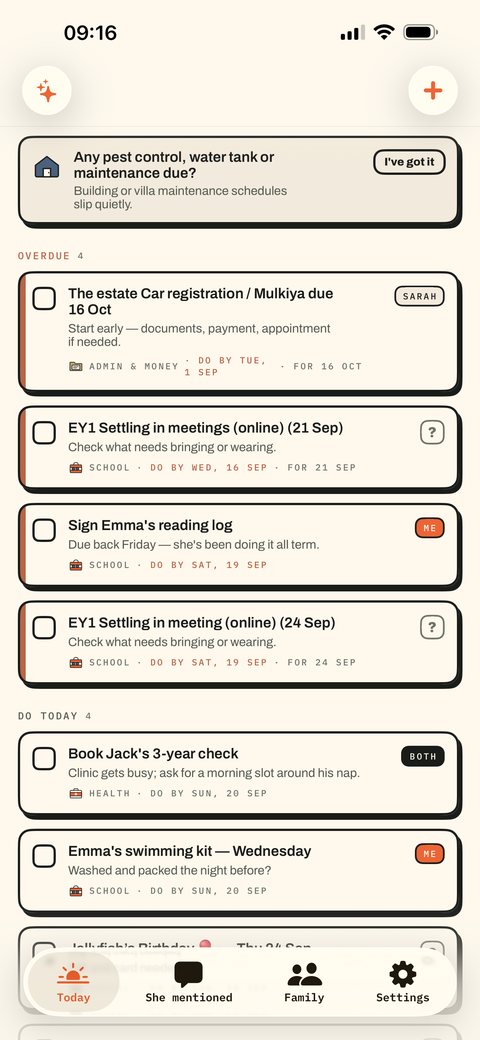
Inside The Mental Load.
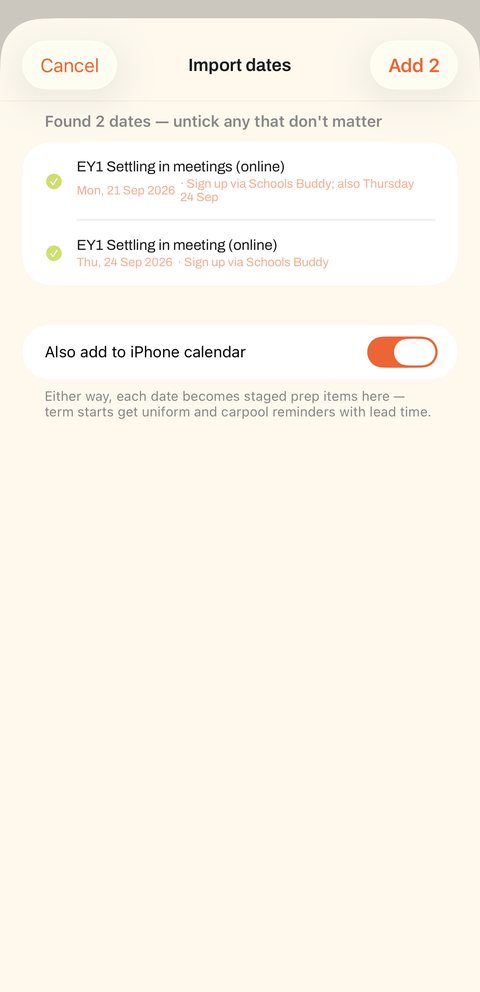
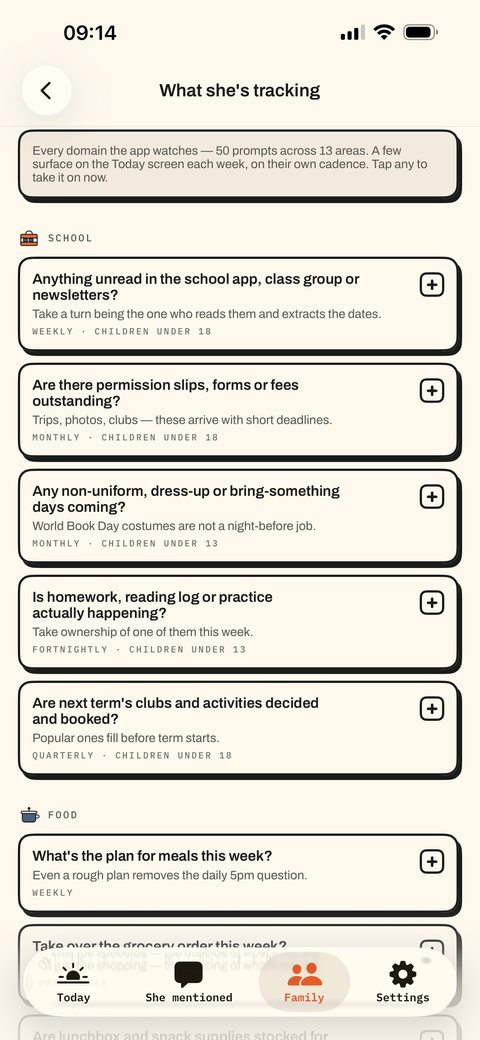
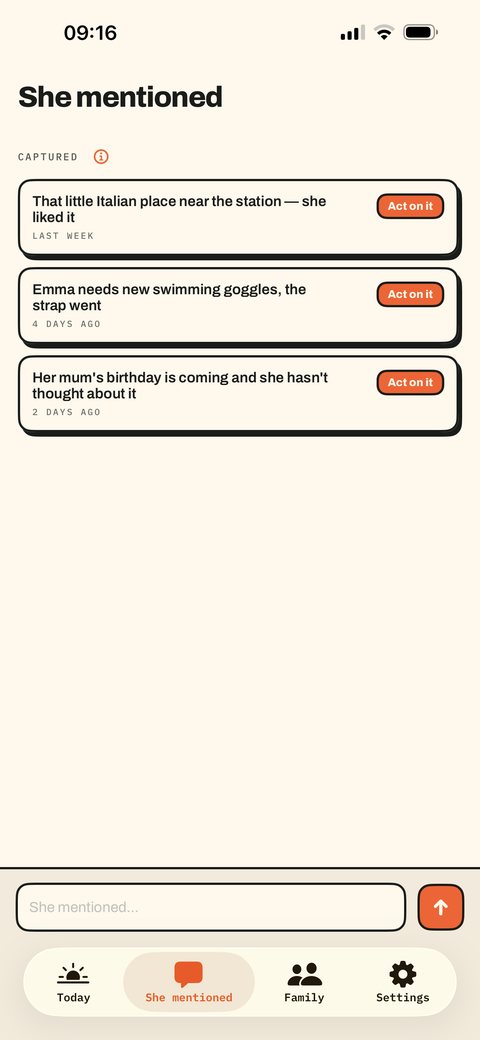
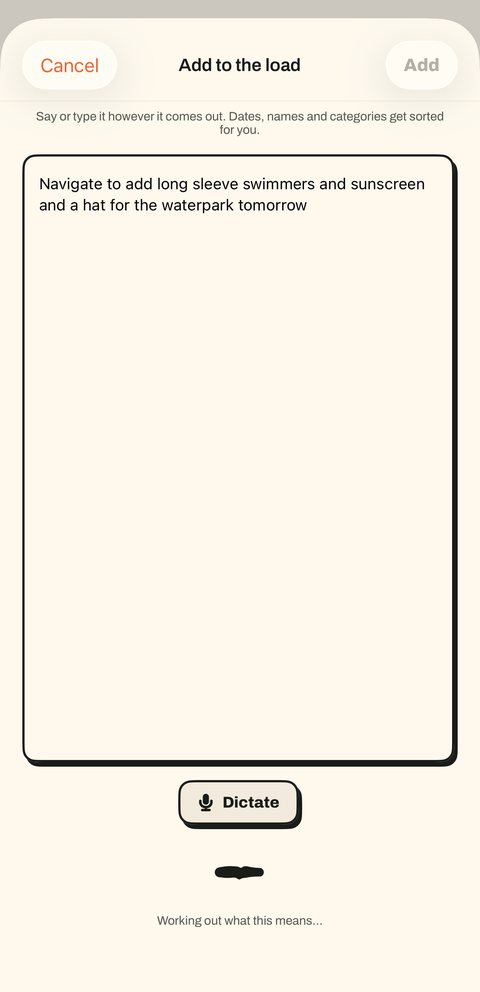
Coming next
A little more in view.
Illustrated previews of the upcoming Family money view and birthday plan budgets.
Quiet on purpose
One brief in the morning, one radar on Sunday, and reminders for the things with deadlines. No streaks, no badges, nothing built to pull you back in. It tells you what matters and then leaves you alone.
What it costs
One subscription for The Mental Load, in 21 languages. Seven days free to find out whether it earns its place, then $4.99 a month or $39.99 a year. A lifetime purchase is in the app if you would rather pay once.
Your saved household lists are held on your device. Optional iCloud backup, AI, email forwarding and connections use online services. Our privacy policy explains what each feature uses.
Pricing
Seven days free. Then one price.
Monthly
$4.99
per month
- Everything the app does
- Cancel any time
- Switch to yearly whenever
Yearly
$39.99
per year · $3.33 a month
- Everything the app does
- Seven days free first
- One renewal to think about
Lifetime
One payment
in the app
- Everything the app does
- No renewal, ever
- Available after the trial
Pack Money is an optional companion. Explore its features and access options.
Subscriptions renew automatically — $4.99 per month or $39.99 per year after a 7-day free trial, billed to your Apple ID, unless cancelled at least 24 hours before the period ends. Manage or cancel in your Apple ID settings. Terms of Use · Privacy policy · Support
A few useful answers
Your jobs.
Your choice of connections.
The Pack Money connection is optional and coming to The Mental Load. Choose only the information you want alongside your tasks.
Does it connect to my bank?
Pack Money does not ask for your online banking login and cannot initiate a bank payment. It stores the financial information you choose to record or send through an optional import or forwarding setup.
What does The Mental Load receive?
The reminders and summaries you choose to share in Pack Money. The connection is read-only, and imported Pack Money information is excluded from The Mental Load’s AI requests.
What if my bank does not send SMS?
You can add entries manually. Bank SMS forwarding and Telegram are optional.
Someone finally built the thing for the other side of this.
Seven days free. If it has not earned its place by then, cancel and nothing happens.